

JIRA (Atlassian)
Stay on top of issues, sprints, and blockers. AI Mate can summarize progress and surface what needs attention.OAuth scopes required (JIRA)
read:issue:jira,write:issue:jira,delete:issue:jiraread:jira-work,write:jira-workwrite:board-scope:jira-softwareread:epic:jira-softwareread:issue:jira-software,write:issue:jira-softwareread:field:jira,write:field:jira,delete:field:jiraread:field.default-value:jira,write:field.default-value:jiraread:field.option:jira,write:field.option:jira,delete:field.option:jiraread:sprint:jira-software,write:sprint:jira-software,delete:sprint:jira-softwareread:space-info:jira,write:space-info:jira,delete:space-info:jiraread:comment:jira,write:comment:jira,delete:comment:jiraread:comment.property:jira,write:comment.property:jira,delete:comment.property:jiraread:project:jira,read:project.avatar:jira,read:project-category:jiraoffline_access
Setup
- Integrations → JIRA
- Connect Atlassian → select site & project(s)
- Approve scopes
What you can do
- See high-priority blockers with owners
- Sprint summaries and burndown insights
- Create/update issues from chat
- Pre-meeting briefs with open tickets
Conversations
JIRA only- “Show high-priority blockers on Project X and owners.”
- “Summarize sprint progress for Team Alpha.”
- “Prep for Product Sync: open tickets + latest email threads.”
- “Any public incidents related to library Y we use? Summarize + list tickets referencing it.”
Building a scheduled JIRA agent
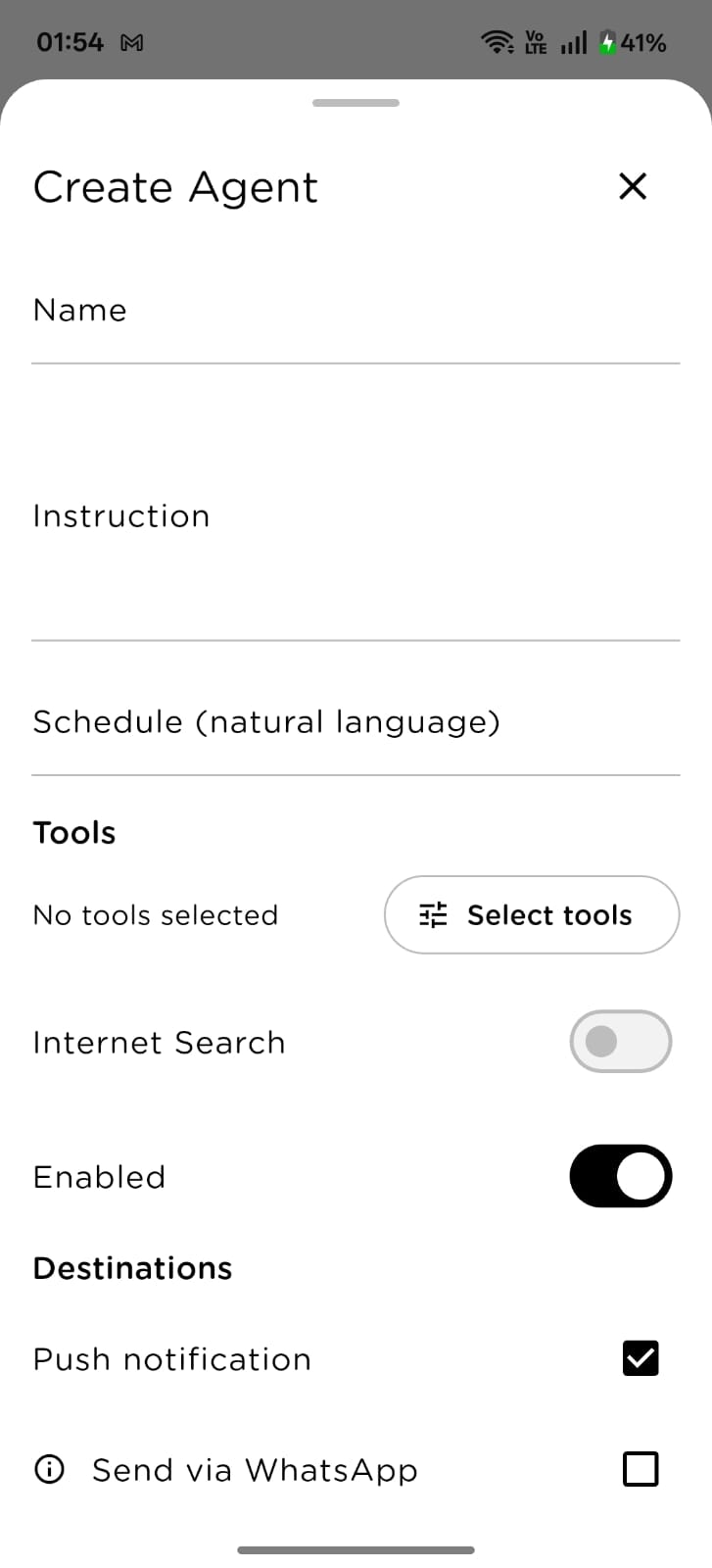
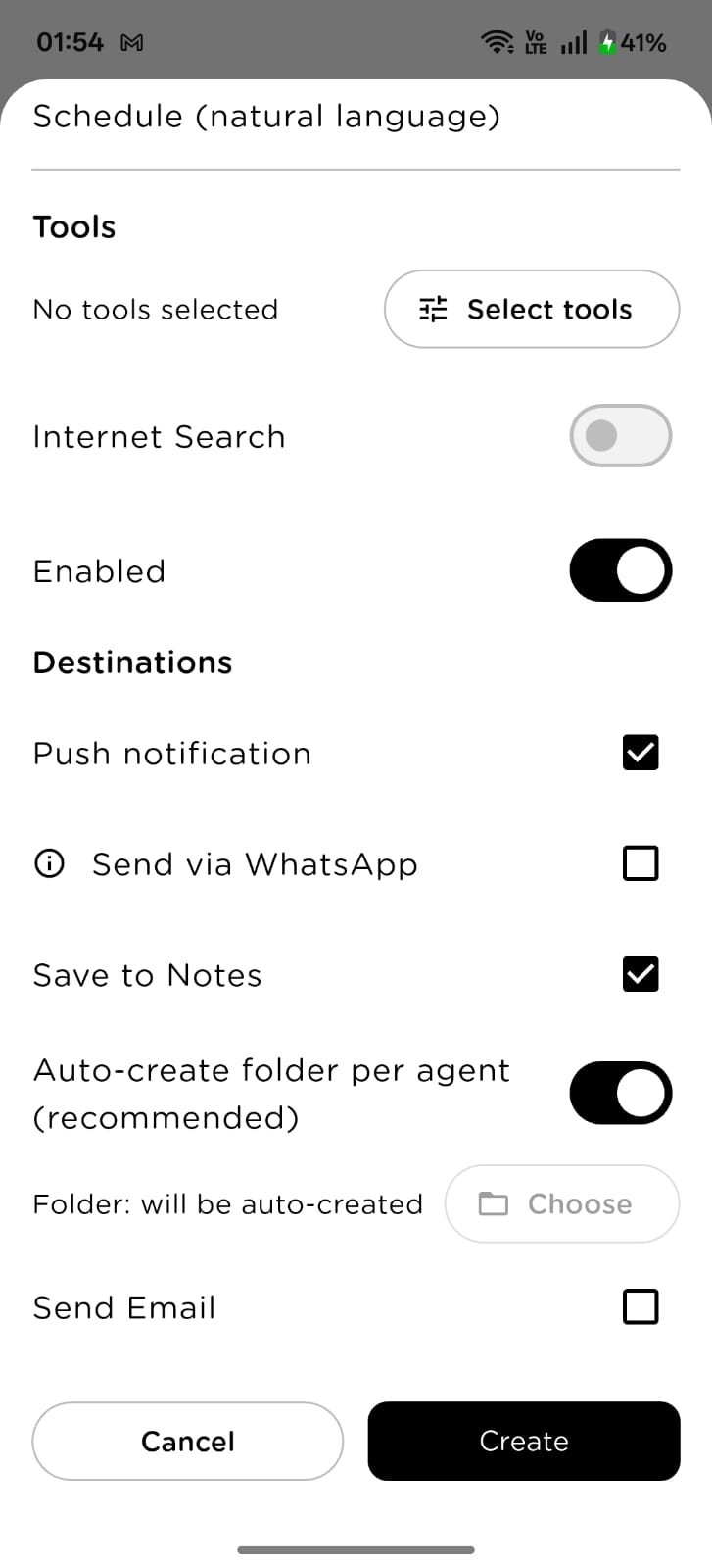
- Go to Agents → Create Agent
- Fill in:
- Title: e.g., Daily Blocker Scan
- Instruction: e.g., “List critical blockers by project and owner. For each blocker, summarize the last issue comment and suggest the most likely next action. Surface dependencies if mentioned. Keep under 12 bullets.”
- Schedule: e.g.,
every day at 9 AM - Tools: JIRA (optionally Calendar/Gmail for cross-references)
- Destinations: Notes + WhatsApp (and/or Email)
- Tap Create
Tip: Keep outputs short and scannable; link to tickets for deep dives.
Ready-to-use scheduled agent templates
1) Daily Blocker Scan (9 AM)
Instruction “List critical blockers (Priority = High/Critical) grouped by project and owner. For each, show status, last comment summary, and the single next action that would unblock it.” Scheduleevery day at 9 AM
Tools
JIRA
Destinations
WhatsApp + Notes
2) Mid-Sprint Health (Wednesday 4 PM)
Instruction “Summarize current sprint: completed vs in progress vs not started; at-risk tickets (reasons); any scope change since Monday. Provide 3 bullets on how to improve odds of sprint delivery.” Scheduleevery Wednesday at 4 PM
Tools
JIRA
Destinations
Notes + Email
3) Sprint Wrap (Friday 5 PM)
Instruction “Summarize sprint end: closed tickets (with highlights), carry-over items with reasons, top learnings. Suggest 3 improvements for the next sprint.” Scheduleevery Friday at 5 PM
Tools
JIRA
Destinations
Notes
4) Weekly Project Summary (Friday 4 PM)
Instruction “By project, list tickets closed this week, high-priority open items, and top risks with proposed mitigations. Keep within one screen.” Scheduleevery Friday at 4 PM
Tools
JIRA
Destinations
Notes + Email
5) Monthly Velocity Review (1st, 11 AM)
Instruction “Analyze last month’s throughput and carried-over work. Identify bottlenecks (QA, backend, reviews) and propose process tweaks. Include a small trend note vs previous month.” Scheduleon the 1st of every month at 11 AM
Tools
JIRA
Destinations
Notes
Timezone & delivery tips
- Runs in your profile timezone (e.g., Asia/Kolkata)
- Pair Daily Blocker Scan with Mid-Sprint Health for a complete rhythm
- Use WhatsApp for blockers; keep Notes/Email for weekly/monthly reports
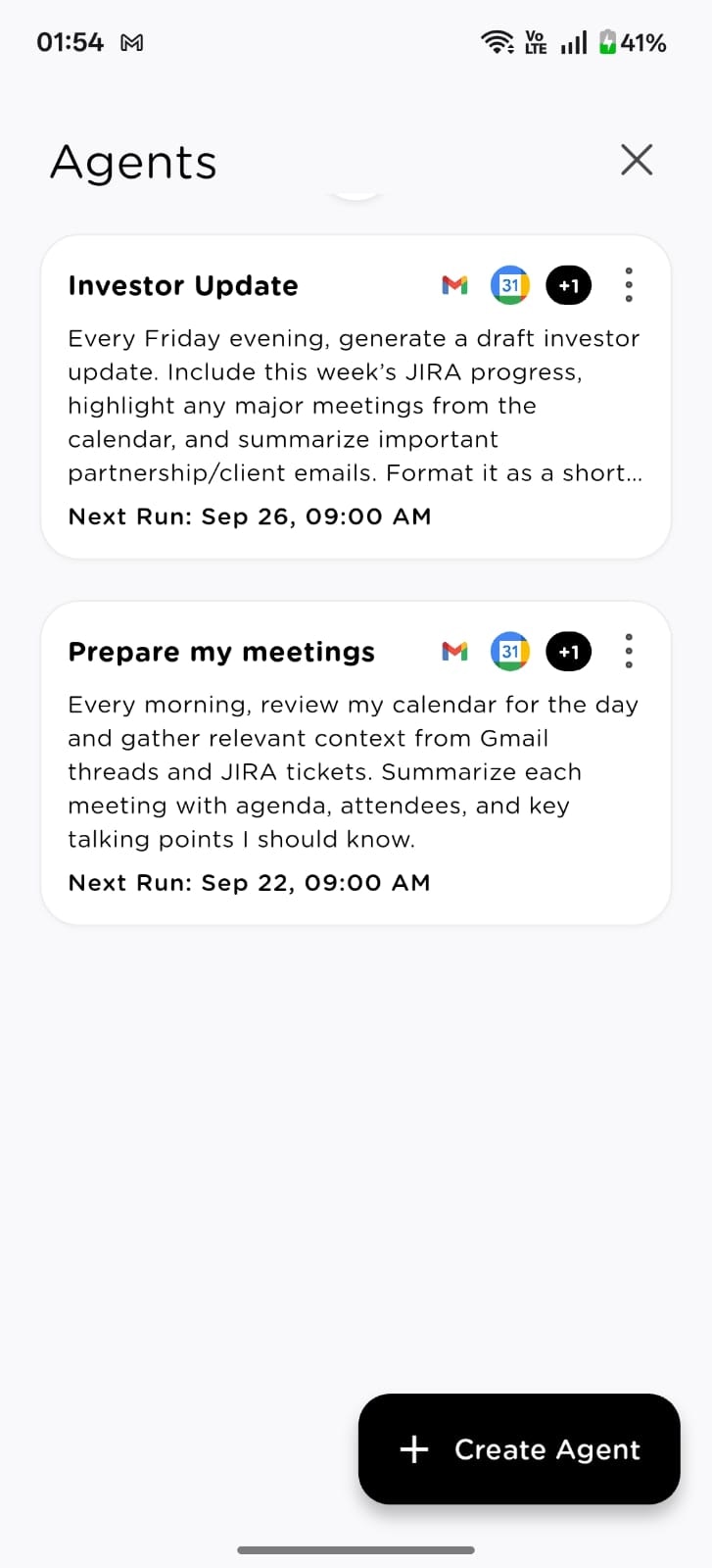
Managing scheduled JIRA agents
- Track next/last run in Agents
- Edit schedules, instructions, and destinations at any time
- Pause/delete agents you no longer need
Best practices
- Keep priorities and ticket fields consistent for clean filtering
- Encourage concise ticket comments—your summaries will be sharper
- Link outputs to Notes for searchable history and cross-team sharing